Using Merge PDF
Combine separate PDF documents into one file in the order you select. This is useful for assembling an application pack, collecting invoices, or joining a cover sheet to a report. The tool copies document pages into a new PDF; it does not turn scanned pages into searchable text.
How to use Merge PDF
A look at the tool, from choosing your file to checking the result.
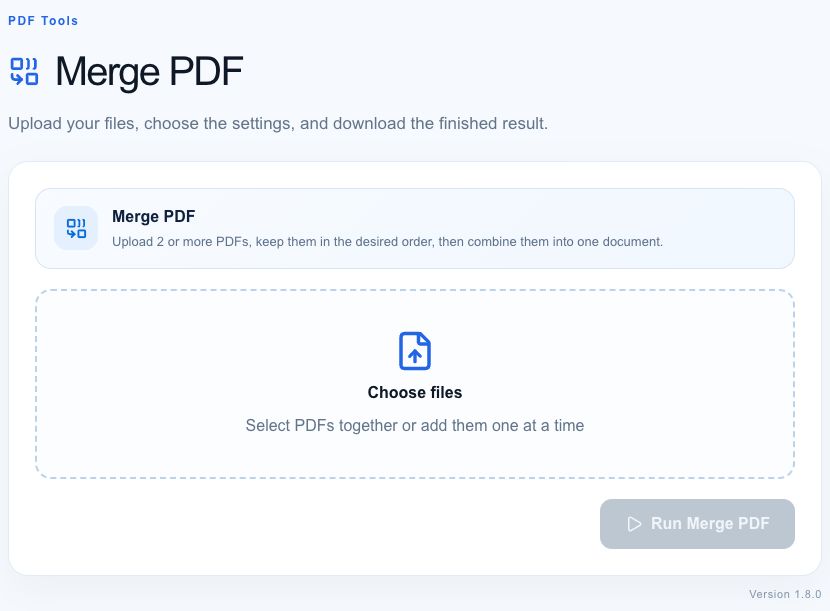
- 01
Choose your PDFs
Select two or more PDF files to combine.
- 02
Check the order
Keep the documents in the order you want them to appear.
- 03
Merge and download
Run Merge PDF, then open the result to check the page order.
Worked example
For a five-page submission, select a one-page cover letter first and a four-page report second. The result should contain the cover letter on page 1 and the report on pages 2–5. Open the downloaded merged.pdf and confirm both the total page count and the order before sending it.
What to check and what this tool cannot do
Password-protected documents must be unlocked with an authorized PDF editor first. Page copying does not guarantee preservation of document-level bookmarks, attachments, interactive forms, or digital signatures. A signature authenticates a particular document; merging creates a different document. Large image-heavy PDFs can exceed your browser’s available memory.
Getting a useful result
Keep your source documents. Use short, descriptive filenames to make the selected order easier to check. If you only need a few pages from a document, split it first. When a job fails locally, try a smaller batch; check the processing notice and avoid submitting confidential files, since some workflows can use server processing.
Where processing happens
Developer and text tools process input in your browser. PDF and image tools may attempt local conversion and use server processing when local conversion is unavailable. Website requests and usage analytics are separate from the content you enter. Large files can exceed your device’s available memory. See how tools work and our privacy policy.
Found an incorrect result? Report it with a non-sensitive example.